Start your student resume responsibilities list with work you actually do: school projects, paid jobs, service, activities, and regular tasks at home. Record your role, dates, specific actions, and an honest result. Then choose the entries that fit the opportunity you want.
You do not need to wait until senior year or invent a leadership title. A simple draft gives you something to update as you learn. This guide focuses on building experience entries; our resume skills guide can help you connect those entries to skills.
Find student resume responsibilities in your everyday week
First, list what you do in a normal week. Include a classroom project, a part-time shift, a club task, a hobby you practice, or a regular household responsibility. Also, note when you started and whether the task is ongoing.
Next, ask what someone relies on you to do. You might prepare materials, organize information, explain a process, or complete a task on time. That question can reveal useful experience even when you have no formal job title.
Common App’s first-year guide recognizes activities, work, and responsibilities as application material. A resume serves a different purpose, so choose relevant details instead of copying every activity. Our activity description examples offer another way to begin.
Keep a private experience record before writing bullets
Next, create a small record for each possible entry. Write the setting, your actual role, dates, tasks, and a detail you can confirm. Then save a project file or your own notes if they help you recall the work.
- Role: What was my real responsibility?
- Action: What did I personally do?
- Scope: How often, with whom, or using which tool?
- Result: What did I complete, contribute, or learn?
- Check: Which details still need confirmation?
Also, separate your contribution from the team’s result. If a group built a model, describe the part you handled. Avoid taking credit for everyone else’s work. Our proof folder guide can help you organize supporting material.
Turn student resume responsibilities into clear examples
Use this pattern: action + task + useful detail or result. You can explain the work without adding a number. If you include hours, counts, or dates, use details you can reasonably verify.
| Experience | Illustrative resume bullet | Detail to check |
|---|---|---|
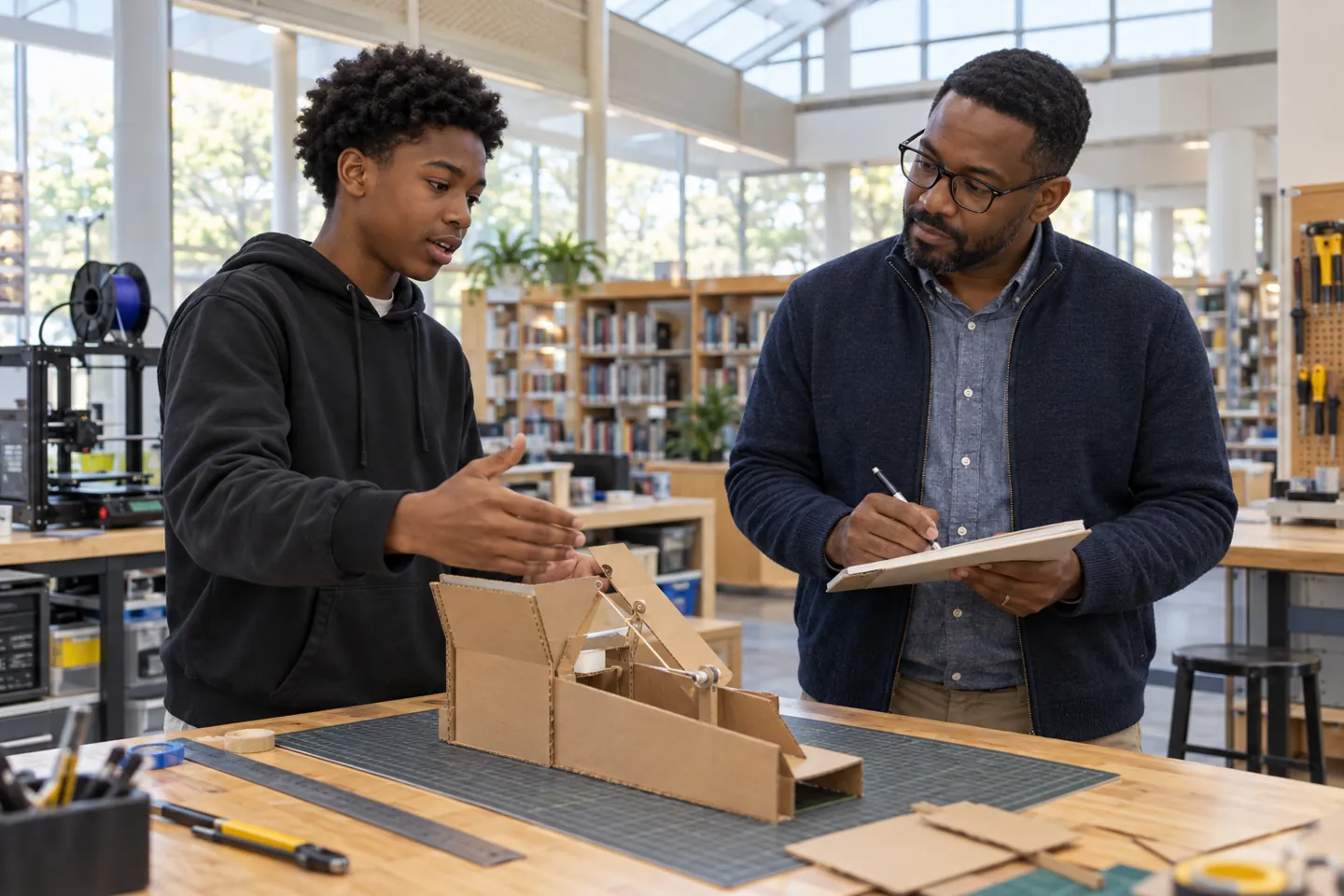
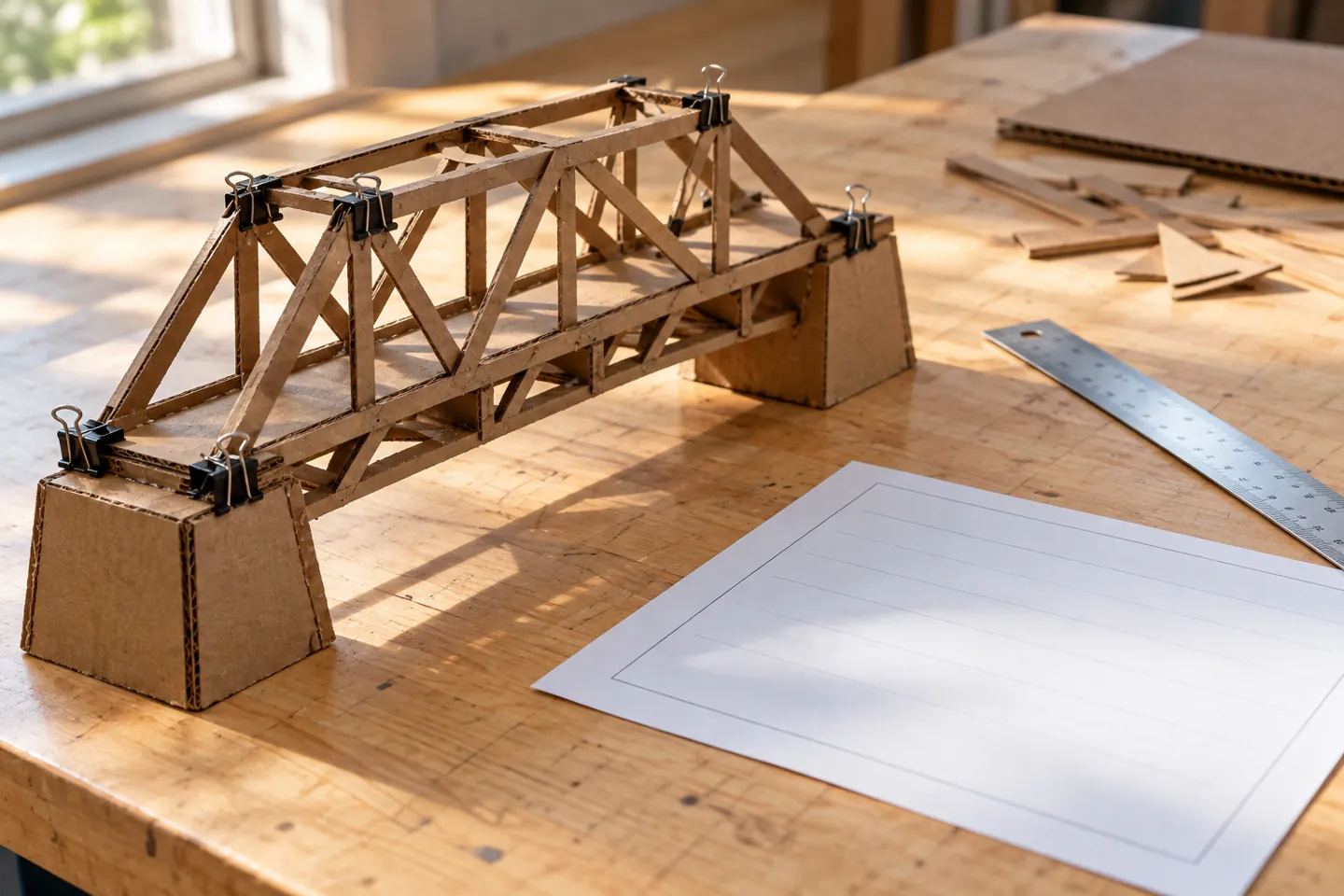
| School project | Built the cardboard supports for a team bridge model and recorded changes after testing. | Your own part in the build and test log. |
| Family responsibility | Prepared materials and organized an after-school homework routine for a younger sibling. | The tasks you actually handled. |
| Volunteer work | Sorted garden tools and prepared planting materials for community workdays. | Your role and the dates you participated. |
| Paid job | Restocked supplies and checked the closing task list during scheduled shifts. | Your assigned duties and employment dates. |
These are made-up examples for learning, not claims about iLevelUP participants. Adapt the structure only when the work is yours. Also, replace vague phrases such as “hard worker” with a concrete action a reader can understand.
CareerOneStop’s resume tips include skills from coursework, volunteer work, and projects. Use that range to notice real experience rather than adding impressive-sounding duties.

Build a simple student resume before senior year
Then organize a readable first draft. Put your name and appropriate contact details at the top. Add education, relevant experience, and skills you can explain. A short document is a useful starting point; follow the recipient’s length and format instructions.
- Education: School and an accurate expected graduation date.
- Experience: Selected roles, settings, dates, and action bullets.
- Skills: Tools or abilities supported by your experience.
- Optional details: Relevant projects, service, or awards that add useful information.
Also, use honest labels such as project team member or family responsibilities when they fit. An unpaid task does not need a made-up manager title. Our brag sheet guide can hold extra details that do not belong in every resume.
Choose relevant entries and protect personal details
Next, read the opportunity’s instructions. Choose student resume responsibilities that help explain your preparation for that role or program. For example, a service opportunity may call for different examples than a technical project.
Also, describe family tasks without disclosing another person’s private situation. You can say what you organized or supported without including medical details, immigration information, or a family member’s full name. Keep your private experience record separate from the version you share.
If someone requests references, ask permission before sharing a person’s contact details. CareerOneStop’s reference guidance explains how people who know your work can help. Our introduction guide can help you start a respectful conversation.
Review your student resume responsibilities for accuracy
Then read every bullet and ask whether you could explain it in a conversation. Check dates, role names, spelling, and claims about results. If a detail is uncertain, confirm it or remove it rather than guessing.
Also, ask a trusted teacher, counselor, or mentor to review the draft if one is available. They can help you spot unclear wording while you keep ownership of the content. Read the document aloud to catch a phrase that does not sound like you.
Keep a master version, then make a copy for a specific opportunity. Our student voice guide offers related ideas for explaining your contribution without exaggeration. Finally, open the saved file and check that it is readable before sending it.
Taiga's challenge: document one real contribution
Finally, try a small challenge using Taiga’s focus on curiosity, service, and innovation. Choose one task you already do, or a safe project you genuinely want to explore. Then record your own contribution rather than joining an activity just for a title.
- Choose one real task or project.
- Write down the action you handled.
- Save one detail that helps you explain it.
- Draft one honest bullet and revisit it after the next milestone.
For example, you could document a design change in a class project or a regular task at a community event. Our career exploration activities can help you find a manageable next experiment.
Then visit iLevelUP’s student resources and share your draft with a supportive adult if helpful. Building student resume responsibilities over time lets you show what you actually do and learn.
Frequently asked questions
Can I write a student resume without a paid job?
Yes. Relevant projects, service, activities, and responsibilities can help explain your preparation. CareerOneStop’s tips include coursework and unpaid projects. Describe your own contribution accurately.
Can family tasks become student resume responsibilities?
Yes, when the task is real and relevant. Use a clear label and describe what you do without exposing private family details. Common App’s guide also recognizes responsibilities in application preparation, although a resume and an activities section are different documents.
Do all resume bullets need numbers?
No. A concrete task or completed contribution can be useful without a number. Use counts or hours only when you can support them. Our description examples can help you write specific details.
How should I list a school project?
Give the project context and date, then explain the part you handled. Separate your work from the whole team’s result. Our resume skills guide can help you identify skills the project demonstrates.
Should I put references on my first resume?
Follow the recipient’s instructions and keep a separate reference list if appropriate. Ask each person before sharing their details. CareerOneStop’s reference guide explains how to choose people who know your work.
When should I update my student resume responsibilities?
Revisit the draft after a project, role change, or other useful milestone, and before using it for an opportunity. Keep extra notes in a private record. Our brag sheet guide can help you retain details for later.
This article fills the January 30, 2026 content-calendar entry. Resources were checked on October 14, 2026. Sample bullets and project scenarios are illustrative. Images are original AI-generated learning scenes, not photographs of actual iLevelUP participants.