

A study planner works best when it tells you what to do next, not just when an assignment is due. To reset yours before school starts, spend five minutes each on collecting dates, mapping commitments, choosing study actions, and checking the week. This 20-minute routine is a starting point you can adjust with a teacher or trusted adult.
You do not need a new app or a perfect schedule. A notebook, school agenda, or simple calendar can work. The goal is to leave with one clear place for deadlines and a few realistic next steps.
Quick answer: Collect, map, act, and check. Put confirmed dates in one place, protect time for real responsibilities, add specific practice tasks, and choose a weekly review. If you do not have class details yet, record the questions you need answered.
What to gather before resetting your study planner
Bring your school calendar, class information, and any assignment directions you already have. Also, list regular commitments such as transportation, work, activities, and family duties. Use information you can verify rather than guessing what every class will require.
If you need a blank page, the UNC Learning Center offers a weekly planner. Although it comes from a university resource, you can adapt the format for middle or high school. Keep the tool simple enough to check on a busy day.
For younger students, these middle school study habit ideas offer a useful starting point. Then use the reset below to turn a habit into a place on your week.
Minutes 0–5: Collect dates in your study planner
First, copy confirmed deadlines and school events into one place. Include the class, task, and due date so you can tell similar assignments apart. Check each entry against the teacher’s directions or school calendar before treating it as final.
Also, keep unknown details visible. For example, write “Ask where science assignments are posted” on a question list. An unanswered question is easier to address when you can name it.
Do not fill blank days with invented assignments. Before classes begin, you can add a reminder to check each course’s expectations during the first week. These student email examples can help you request a missing detail.

Minutes 5–10: Map the time you actually have
Next, mark commitments that already take time. Include travel, meals, rest, work, activities, and caregiving where relevant. Because those responsibilities are real, build your plan around them instead of assuming every afternoon is open.
Then look for a few possible study windows. Choose a short period you can test, and leave some room for changes. For instance, a brief library session before a ride home may fit better than a long block late at night.
If your week is crowded, ask a teacher or counselor which task needs attention first. These student support resources may also help you find assistance with practical barriers. A schedule cannot solve every access problem by itself.
Minutes 10–15: Give each study planner block an action
Replace vague entries such as “study science” with something you can begin. You might explain one concept without looking at notes, answer a few practice questions, or check an example before trying a similar problem. Match the activity to what your class asks you to learn.
The Institute of Education Sciences practice guide recommends spacing learning over time and using quizzing to revisit key content. Therefore, plan opportunities to return to a topic rather than saving all review for one evening. A planner helps you make room for that practice; it does not guarantee a particular grade.
Also, add a way to check your work. Use class notes, teacher feedback, or a provided answer key when appropriate. If an error stays confusing, record the question and ask for an explanation.
Minutes 15–20: Check your study planner for a realistic week
Finally, read the week from beginning to end. Check whether tasks overlap with commitments and whether each study block has a clear first action. If the plan looks crowded, reduce or move a task before you close the page.
Choose a regular review time as well. You might check the coming week after dinner on Sunday or during a school advisory period. During that review, update confirmed dates, move unfinished steps, and note one question to ask.
The UNC Learning Center’s study cycle provides another resource for thinking about study routines. For longer-term planning, adapt this weekly college-planning routine to a separate list so future tasks do not crowd today’s homework.
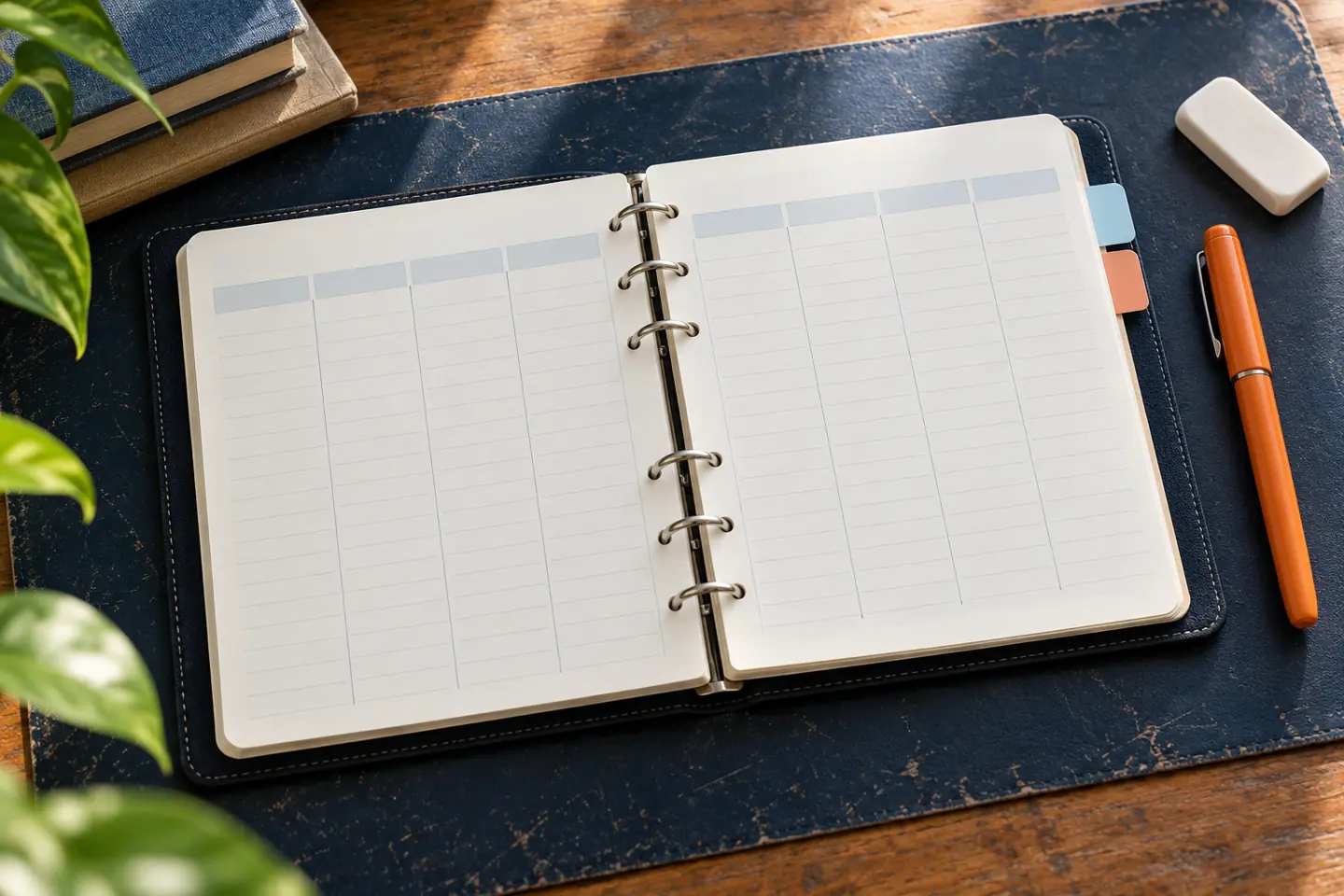
A sample study planner entry you can adapt
This original example shows how to connect a deadline with a small action. The times and tasks are illustrative, not requirements. Replace them with your actual assignment directions and available time.
| Planner field | Original example |
|---|---|
| Confirmed deadline | Science vocabulary check on Friday; confirm the topic list with the teacher. |
| First practice step | Tuesday after school: explain five terms without notes, then check them. |
| Return to the topic | Thursday: try the confusing terms again and write one question. |
| Support request | Ask the teacher how two similar terms differ. |
For an educator or mentor, this reset can be one planning activity within a broader study skills curriculum. Students still need clear instructions, practice, feedback, and support. The 20-minute format is a convenience for organizing a week, not a researched promise that planning must take exactly 20 minutes.
Keep the routine useful when school gets busy
A missed block is information you can use. Ask whether the task was too large, the timing was unrealistic, or you needed help getting started. Then change one part of the plan instead of rewriting your whole system.
For a larger test, use the three-week exam planning guide to break preparation into stages. If you feel behind, these help-seeking ideas can help you start a useful conversation.
Build a Carver weekly planning routine before classes ramp up. Start with the iLevelUP student page, then choose one confirmed date, one practice task, and one review time. Keep the routine small enough to repeat and flexible enough to change.
Frequently asked questions
What should I put in a study planner before school starts?
Add confirmed school dates, regular commitments, and questions about missing class details. Do not invent assignments. If you need a format, adapt the UNC weekly planner to your school schedule.
Can I use a notebook instead of a digital study planner?
Yes. Choose a format you can access and check regularly. A simple page with dates, tasks, and questions can be enough to start. These study habit ideas can help you build a manageable routine.
Is a 20-minute reset enough to improve my grades?
It is a planning starting point, not a grade guarantee. Learning also requires practice, feedback, and help when needed. The IES practice guide explains strategies such as spacing learning and using quizzes to revisit content.
How specific should a study planner task be?
Make it clear enough to begin: for example, answer three practice questions and check the results. Use your class directions to choose the task. The UNC study cycle offers further context for building study routines.
What if work, family duties, or transportation limit my time?
Include those commitments before selecting study windows. Then ask a teacher or counselor about priorities and support. These student resources address practical barriers that planning alone may not fix.
How can a caregiver or mentor help without taking over?
Ask the student to explain their next task, identify a missing detail, and choose a realistic review time. Offer support while letting them make the plan. These help-seeking ideas can guide the conversation.
This article fills the August 1, 2025 content-calendar entry. Resources were checked on October 12, 2026. Images are original AI-generated illustrations, not photographs of actual iLevelUP participants.